Presenting CF-Mobile: Your Ultimate Codeforces Companion for iOS & macOS
Hello everyone, it’s been a while!
I'm excited to showcase CF-Mobile, the native iOS/macOS app designed to be your comprehensive companion for Codeforces. This application delivers a seamless, feature-rich experience, empowering competitive programmers to train, learn, and track their progress efficiently on the go.
GitHub Repository: https://github.com/Blossoms1010/CF-Mobile
How to Use: Simply open the project in Xcode on your macOS and build it to your iPhone.
CF-Mobile is now fully API-driven, ensuring a stable, efficient, and robust experience across all features. Let's delve into what makes CF-Mobile an essential tool for every competitive programmer:
Contest and Problem Browsing
Navigate the world of competitive programming with an intuitive interface designed for optimal performance.
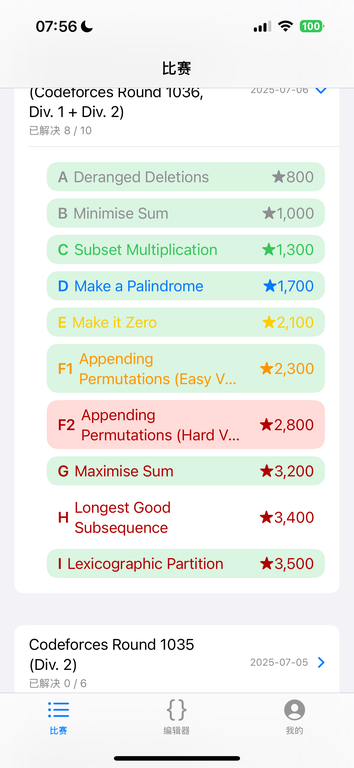
- Comprehensive Contest Listing: Easily browse live, upcoming, and past contests. Stay informed with real-time updates and essential contest details, ensuring you never miss an event.
- Extensive Problemset Exploration: Access the entire Codeforces problemset. Our robust API integration ensures rapid loading and stable performance, even with complex data.
- Advanced Filtering and Search: Locate specific contests or problems effortlessly using powerful search functionality. Utilize a flexible filter system to narrow down contests by type, or problems by specific algorithm tags (e.g., Dynamic Programming, Graph Theory, Mathematics).
- Detailed Problem Information: Each problem entry provides clear information, including the number of successful submissions, giving you insights into problem popularity and difficulty. Problem status is indicated cleanly with simple checkmarks for accepted solutions and crosses for attempts.
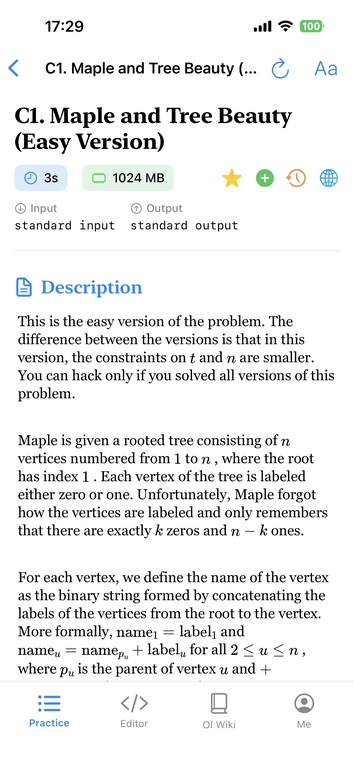
- Optimized Problem Statement Viewer: Experience problem statements with full support for LaTeX mathematical formulas, rendered beautifully for clarity. Customize your reading comfort by adjusting font size and line spacing. (Please note that LaTeX rendering can occasionally be unstable and may require a manual refresh).
Powerful Integrated Code Editor
Practice and develop your solutions directly within the app, featuring a professional-grade coding environment.
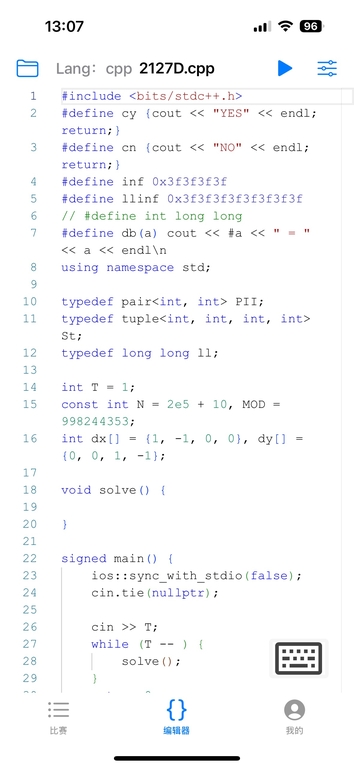
- VS Code-Inspired Editing: Our editor is built on the high-performance Monaco engine, similar to VS Code, offering a familiar and efficient coding experience.
- Syntax Highlighting and Autocompletion: Enjoy rich syntax highlighting for C++, Python, and Java, alongside intelligent autocompletion features that boost your coding speed and accuracy.
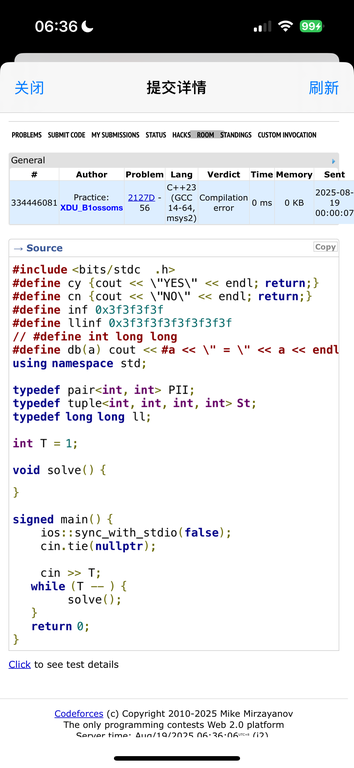
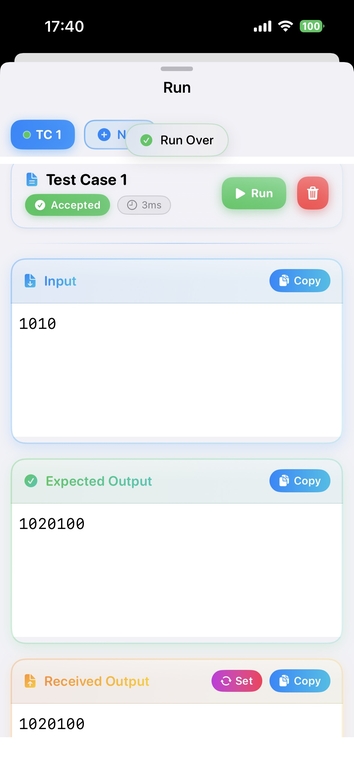
- Integrated Code Execution: Test your code instantly with integrated cloud-based judging powered by Judge0, providing quick feedback on your solutions.
- Robust File Management: Organize your code files effectively with a stable and reliable file management system. File lists display additional information and intuitive icons for better organization.
- Secure File Export: Easily save your current code files from the interface to any desired location on your device, ensuring your work is always accessible and safe.
Comprehensive Analytics Dashboard
Monitor your competitive programming journey with detailed visual analytics.
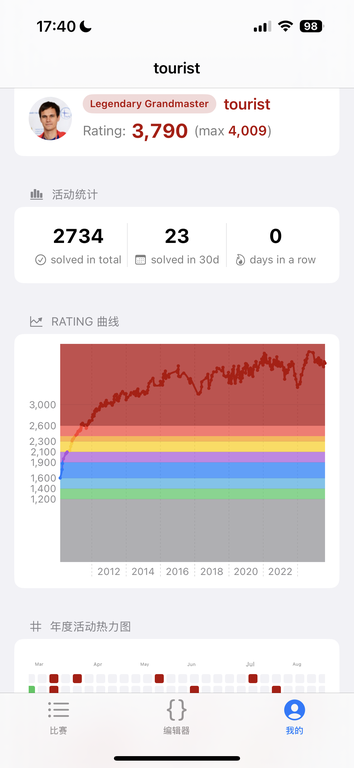
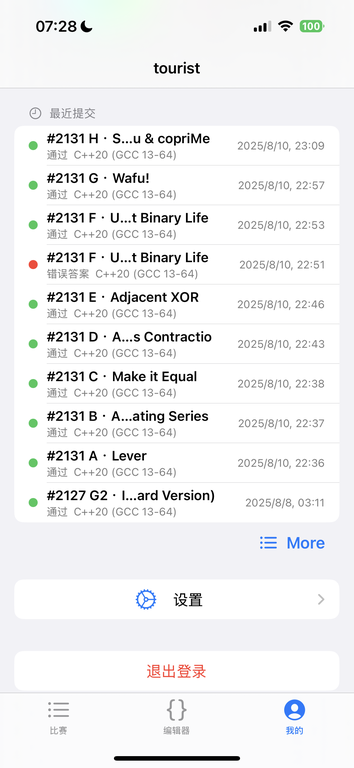
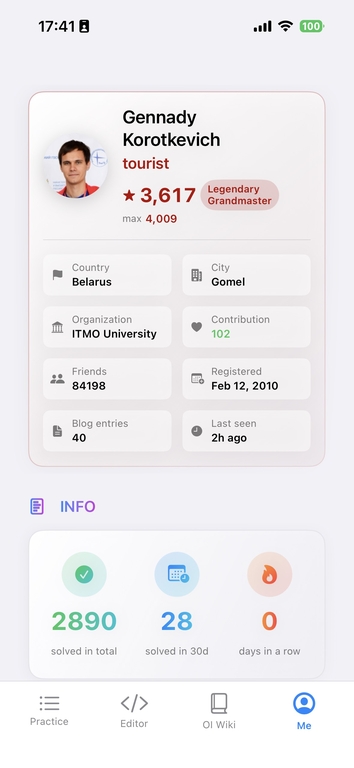
- Personalized Profile: Link your Codeforces handle to unlock a personalized dashboard that provides deep insights into your performance.
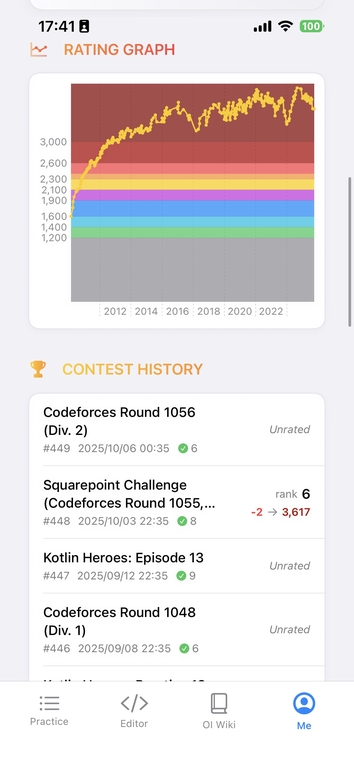
- Rating History Chart: Visualize your rating fluctuations over time with a clear, engaging chart. The rating curve now proudly displays the official Codeforces yellow color.
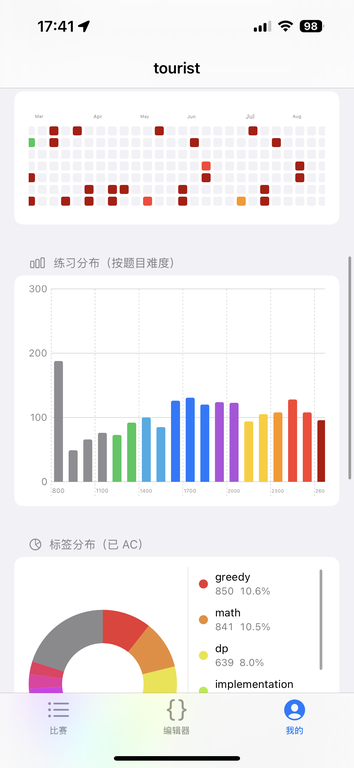
- Activity Heatmap: Review your practice consistency with a GitHub-style activity heatmap. A new year-selection feature allows you to explore your performance trends across different years.
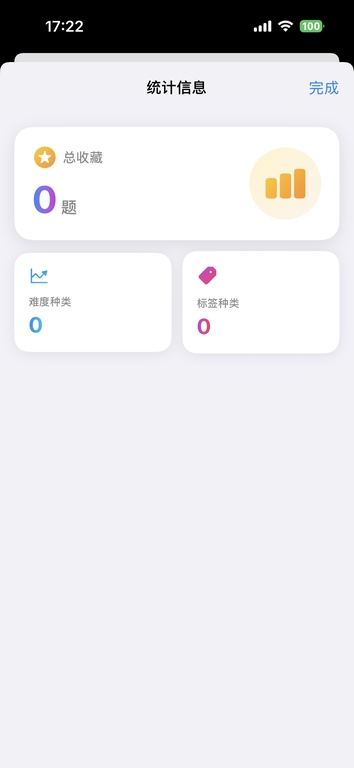
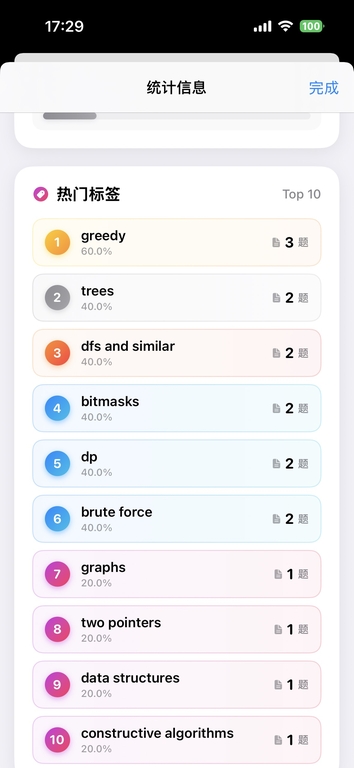
- Tag and Difficulty Distribution: Understand your strengths and areas for improvement with charts illustrating your solved problems by algorithm tag and difficulty level.
Integrated OI Wiki for Learning
Expand your algorithmic knowledge with a directly integrated resource.
- Seamless Learning Experience: Browse the comprehensive Chinese algorithm competition resource, OI Wiki, directly within the app. This integration provides a vast library of algorithmic concepts and solutions at your fingertips.
- Focused Study Environment: All external redirects within the OI Wiki browser are blocked, creating a clean, focused, and uninterrupted learning environment free from distractions.
General Enhancements
- Full Dark Mode Support: Enjoy a comfortable viewing experience in low-light conditions with nearly full dark mode support across the entire application.
- Improved User Interface: The app has undergone numerous minor UI refinements to enhance overall aesthetics and user experience.
- Language Localization: Most Chinese prompts and UI elements have been updated to English, making the app more accessible to a global audience.
We invite you to explore the new CF-Mobile and elevate your competitive programming experience!
App Screenshots — Light Mode
 |  |  |  |
 |  |  |  |
 |  |  |  |
 |  |  |  |
 |  |  |  |
 |  |  |  |
App Screenshots — Dark Mode
 |  |  |  |
 | 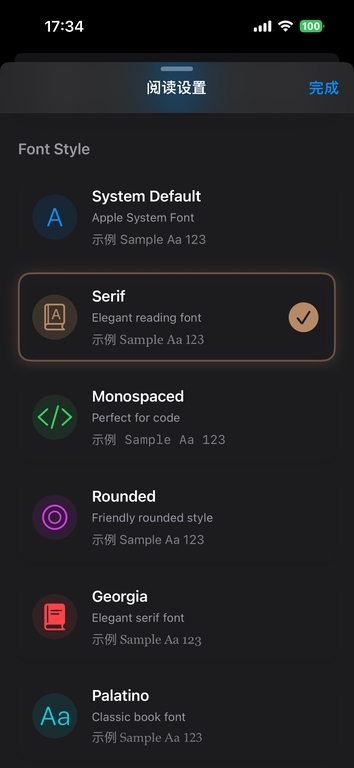 |  |  |
 |  |  |  |